RingCentral RoomsTM
Modern and flexible meeting workspaces
Your conference room solution that can take phone calls and join any third-party meetings.

Effortless setup
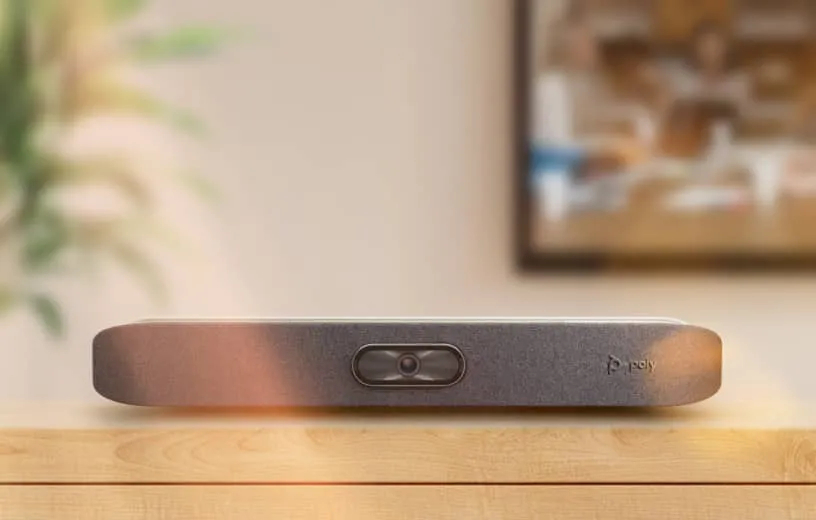
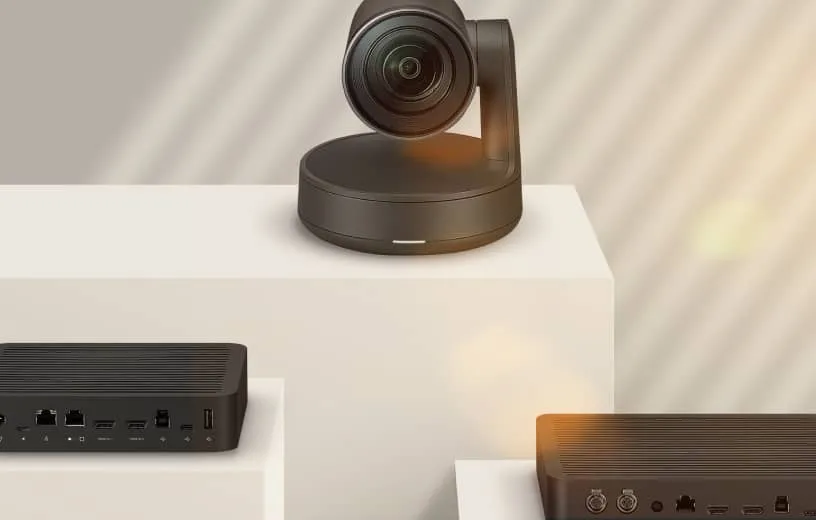
Deploy hardware from Poly, Yealink, and more with pre-installed software, and join meetings with one-touch.
Cross-platform compatible
Join Teams, Zoom, Webex, Google, and other third-party meetings from your room with one tap—it's that easy.
Easy to manage and monitor
Get detailed analytics for room usage, service quality, and alerts, under a single-pane of glass administration.
Flexible room management
Set up scheduling displays to view availability and book rooms, and also instantly transition meetings from mobile to rooms.

Cross-platform conferencing made simple
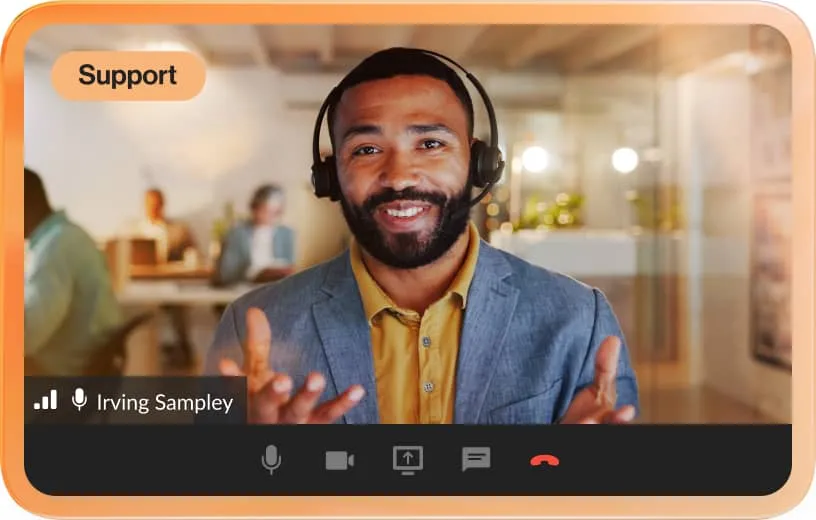
Join other video meetings directly from RingCentral Rooms, with a single click.
Zoom
Cisco Webex
Microsoft Teams
Google Meet
Reimagine the workspace experience

Handle calls and meetings
Use your room hardware for both conference calls* and meetings. *Rooms Phone Line license required.
Easily display room availability
See if a conference room is free or booked using a Scheduling Display on a supported tablet.
Create digital signage
Display digital content and information from the room's TV screens.
Access workspace analytics
Get admin access to real-time and historical data, quality-of-service dashboards, and custom alerts.
Hybrid meetings made simple and powerful

Hybrid meetings made simple and powerful
Effortless meeting transitions
Seamlessly move your video meeting to an available room nearby. With just one tap on your mobile device, your discussion continues without any breaks.
Mobile device room controls
Control the meeting settings from your own personal device, no matter where you sit in the meeting space.
Touchless meeting experience
Start the meeting with a voice command or from your mobile phone.
Auto framing and zooming
AI-powered auto-framing automatically keeps all in-room participants visible (supported by select appliances).

Room calendar integrations
Integrate a room’s meeting schedule with both Office 365 and Google calendaring systems.

One-touch join and wireless sharing
Instantly start and join meetings with a single touch, and effortlessly share your screen either wirelessly or via HDMI.

Consistent and unified experience
Built on the RingCentral platform, users enjoy a simple, interactive experience that is seamless across RingCentral’s video and team messaging.

View chat, whiteboard, and closed captions
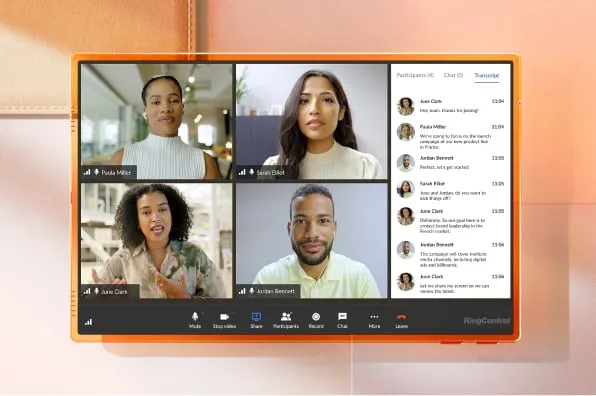
View meeting chat, whiteboards, closed captions on screen during a meeting.

Dual screen support
View shared content and video participants on separate screens for enhanced meeting engagement, with content, active speaker, and gallery view modes.

Secure meetings
Turn on end-to-end encryption for your meetings to keep your conversations private and secure.
Get started in seconds
Add all the latest hardware
With Device as a Service (DaaS), you’ll have the most up-to-date equipment with RingCentral software.


Setup is simple
1. Get a RingCentral Rooms license
Add-on to your purchase of a RingEX or RingCentral Video Pro+ license.
$49
month/room
2. Connect your devices
We support both Android appliances and Windows kits from popular hardware providers. See our list of recommended setups here.
3. Sign in and meet with one tap
Join RingCentral meetings or any third-party meeting from your connected calendar—it's that simple.
Bring all of your video experiences together with AI Meetings
FAQs about RingCentral Rooms hardware & video conferencing equipment
You have several flexible options. You can purchase appliances directly through our sales team, or opt for our Rooms as a Service (RaaS) program, which allows you to rent the latest equipment for a low monthly subscription fee. This ensures your hardware stays up to date with the latest RingCentral software.
RingCentral Rooms is compatible with a variety of industry-leading hardware. We offer configurations tailored for:
- Small/Huddle Rooms: Quickly regroup or jump into a brainstorm with the core team for a smaller, intimate session.
- Medium Rooms: Hold day-to-day meetings and status calls with features that keep the whole team focused.
- Large Rooms: Bring everyone in for the big pitch, and host formal presentations without losing engagement.
Yes. Our Professional Services team can assist with both procuring your appliances and managing the installation. We offer both on-site and remote installation options to ensure your meeting spaces are configured correctly and ready for use from day one.
- No. When you purchase certified RingCentral Rooms appliances, the software comes pre-installed. This "plug-and-play" setup allows you to simply connect your device, log in to your RingCentral account, and start your first meeting in minutes.
With standardized hardware, a cloud-managed platform, and flexible purchasing options, your IT team can deploy, manage, and support every room from one central location. This includes instant provisioning, remote firmware updates, device status alerts, and rich analytics to monitor room usage and health in real-time.
Connect your teams from anywhere
Instantly turn any space into a conference room with RingCentral.